
Connecticut Court Docket Records
Connecticut court docket records track every case that moves through the state court system. The Connecticut Judicial Branch runs a unified court network with Superior Courts in 13 Judicial Districts and multiple Geographical Area courts. You can search court docket records online through several free lookup tools on the Judicial Branch website. Each tool covers a different case type. Civil, family, criminal, housing, and small claims dockets are all open to the public. Whether you need to find a pending case, check a court date, or pull up old filings, Connecticut gives you more than one way to search. You can also visit any courthouse in person or send a request by email to get copies of docket records.
Connecticut Court Docket Quick Facts
Where to Find Connecticut Court Docket Records
Court docket records in Connecticut come from the state Judicial Branch. This is a unified system. That means one agency runs all the trial courts. There are no separate county court systems here. The Connecticut Judicial Branch is the main source for court docket information. Superior Courts serve as the primary trial courts in every part of the state. These courts handle civil, criminal, family, housing, and small claims cases. Each case gets a docket number when it is filed. That number stays with the case from start to finish. The docket tracks every action the court takes, from the first filing to the final order.
The Connecticut Judicial Branch website at jud.ct.gov/jud2.htm is the central hub for looking up court docket records online. It links to separate search tools for each case type. You can search by party name, docket number, or attorney. There is no fee for basic online searches, which makes this the fastest and cheapest way to find court docket records in Connecticut. Results show case details, party names, court dates, and docket entries. Some tools also show document images for recent filings. Under C.G.S. 1-200 et seq., the Freedom of Information Act gives the public the right to access most government records in Connecticut, and court docket records are no exception.
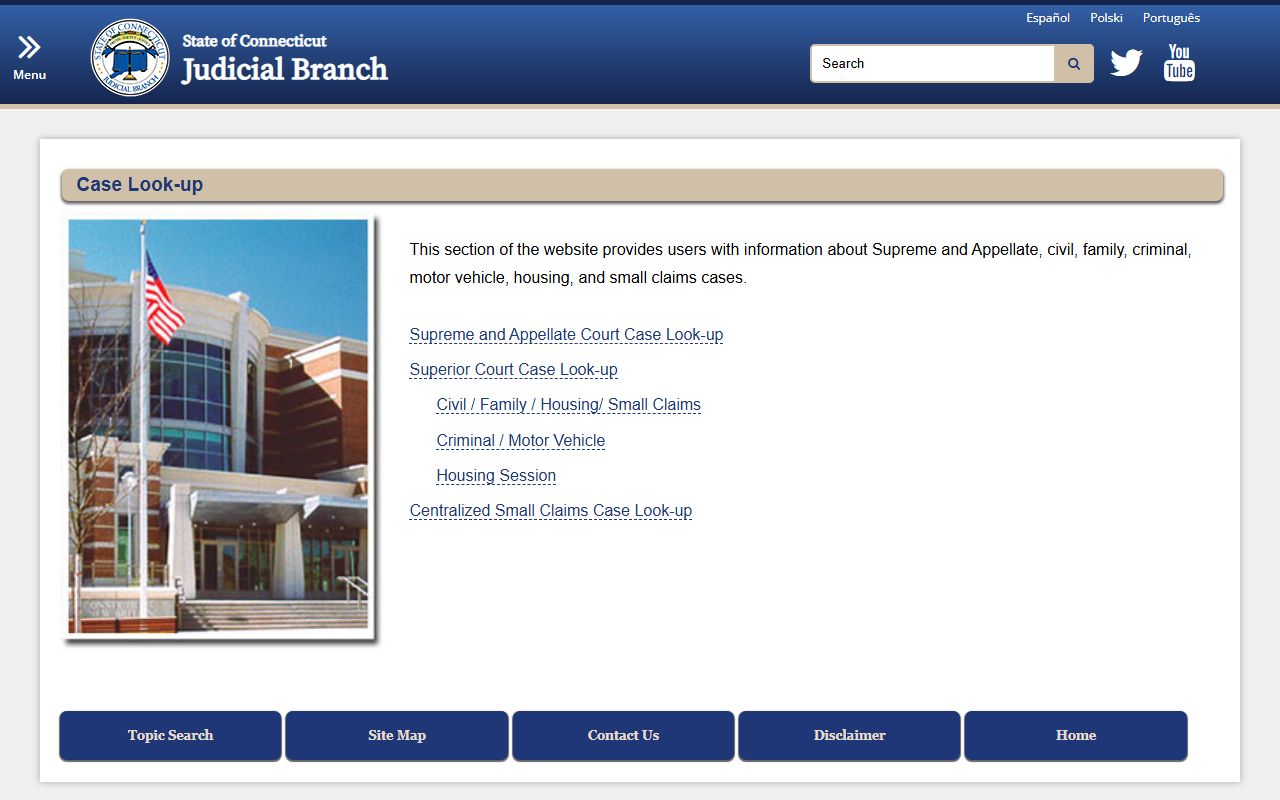
The Connecticut Judicial Branch Case Look-up page connects you to all available court docket search tools from one place.
For court docket records that are no longer active, the Superior Court Records Center in Enfield stores all disposed case files. You can reach them by email at SuperiorCourtRecordsCenter@jud.ct.gov or by phone at (860) 263-2750. Files move to this center shortly after a case is closed. You can also request docket records from the Court Records FAQ page, which explains how to get copies, what forms you need, and how much it costs.
How to Search Court Dockets in Connecticut
Connecticut offers multiple online tools for searching court docket records. Each tool covers a specific type of case. The Civil/Family Case Look-up handles civil, family, housing, and small claims dockets. You can search by party name, attorney or firm, docket number, or even a property address. This is the tool most people use when they need to find a court docket in Connecticut. It covers active and disposed cases across all Judicial Districts.
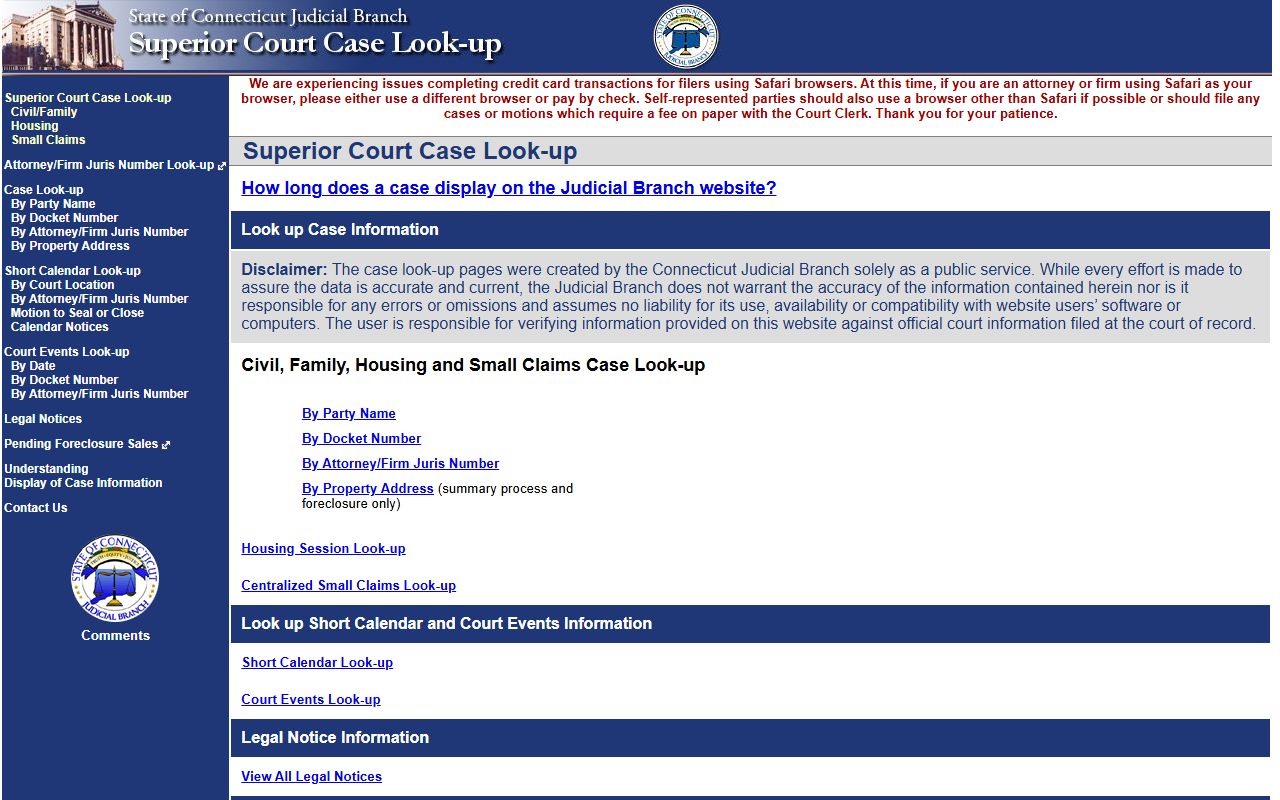
The Connecticut Judicial Branch civil case lookup tool lets you search court docket records across all Superior Courts in the state.
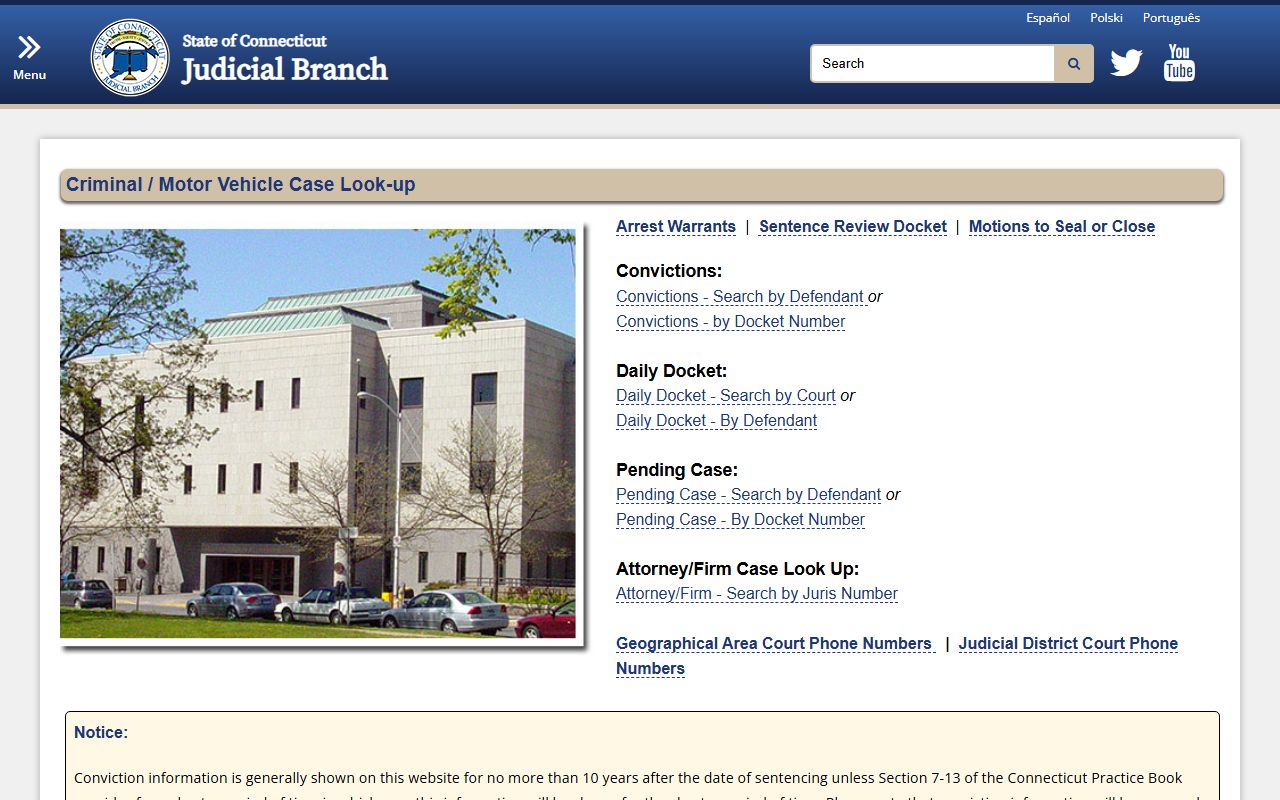
For criminal and motor vehicle cases, the Criminal/Motor Vehicle Case Look-up is the right tool. It has separate options for searching convictions, pending cases, daily dockets, and attorney case lists. Conviction data is shown online for up to 10 years after sentencing under Connecticut Practice Book Section 7-13. Youthful offender and juvenile cases do not appear in this system. The daily docket feature lets you see what cases are scheduled at any court on a given day, which is useful if you need to know when a case will be heard.
To search court docket records in Connecticut, you need at least one of these:
- Full name of a party in the case
- Docket number assigned by the court
- Attorney or firm juris number
- Property address for housing cases
The Supreme and Appellate Court Case Look-up covers appeals filed after January 1, 1991. If a Superior Court case was appealed, you can track its docket through this tool. The Probate Court Case Lookup covers estate and trust matters from 2011 forward. And for small claims specifically, the Small Claims Look-up covers cases filed after September 1, 2017. Each of these tools is free to use.
Connecticut Court Docket System
Connecticut has a unique court setup. The state does not use county courts the way most states do. Instead, the Judicial Branch runs everything from the top. Superior Courts are divided into 13 Judicial Districts. Each district covers a group of towns. Geographical Area courts, often called GA courts, handle criminal, motor vehicle, and some civil matters in smaller settings. Both types of courts create docket records that you can search through the same online tools.
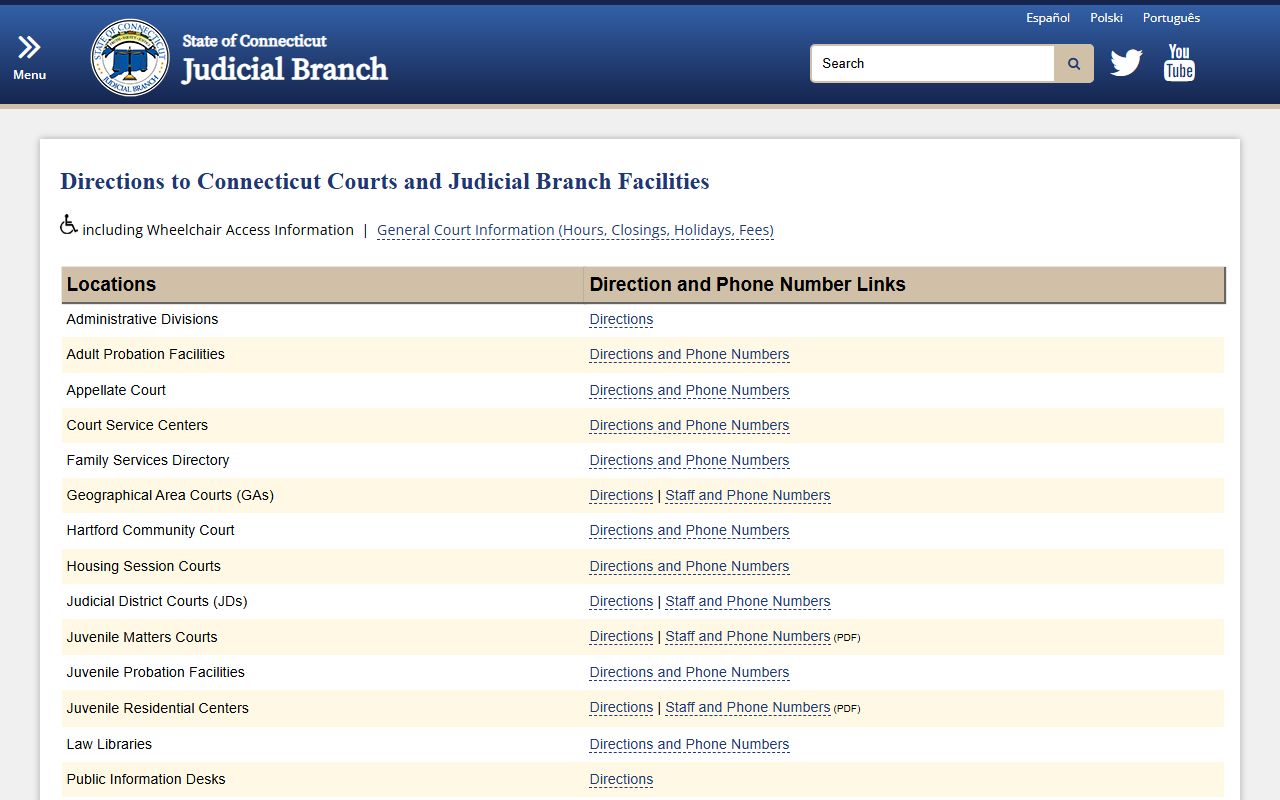
The 13 Judicial Districts are Ansonia-Milford, Bridgeport, Danbury, Hartford, Litchfield, Middlesex, New Britain, New Haven, New London, Norwich, Stamford-Norwalk, Tolland, and Windham. Some districts have more than one courthouse. Hartford, for instance, has courthouses on Washington Street that handle different case types. The court you need depends on where the case was filed and what kind of case it is. Under C.G.S. 51-36a, the Judicial Branch sets policies for how the public can access court docket records at any of these locations. The Court Directions page can help you find the right courthouse if you need to visit in person.
Probate Courts operate separately. Connecticut has 54 Probate Districts, each with its own court. These courts handle estates, trusts, guardianships, and adoptions. Probate docket records are searched through the Connecticut Probate Court website rather than the main Judicial Branch tools.
Court Docket Fees in Connecticut
Online court docket searches are free. You pay nothing to look up case info, check a docket, or view scheduled court dates on the Judicial Branch website. Fees only come up when you want copies of actual documents from a court file. Standard copies cost $1.00 per page for court records. Administrative records cost $0.25 per page. Certified copies run $2.00 per document on top of the per-page fee.
Transcript fees are higher and depend on the service speed you choose. A regular transcript costs $3.00 per page for private parties and $2.00 per page for state or municipal officials. Expedited service costs more. Next-day service runs $6.35 per page, and same-morning rush service costs $10.00 per page. Audio recordings of court proceedings from November 1, 2018 onward cost $25 per day per docket number. You can order transcripts through the E-Services Portal, which also handles electronic filing and other court services.
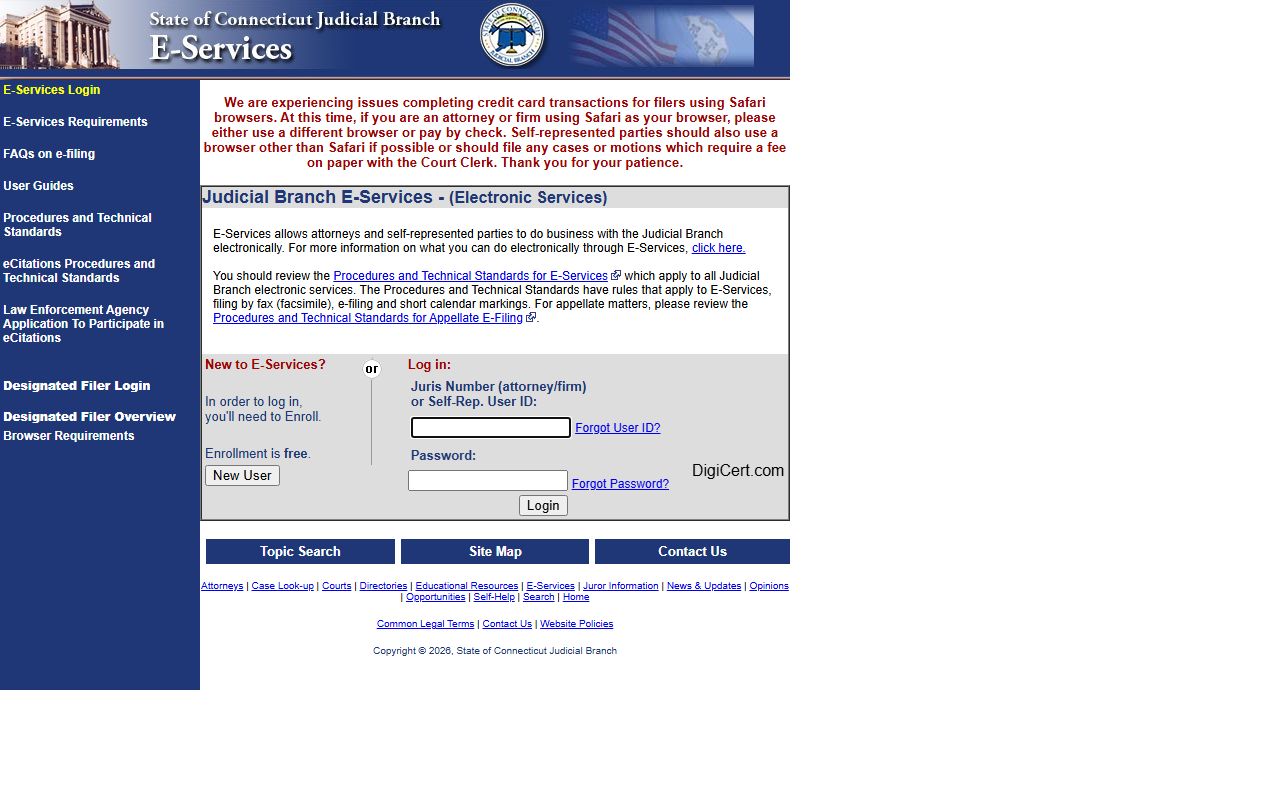
The Connecticut Judicial Branch E-Services portal handles transcript orders and electronic filing for court docket records.
Note: Fees can change, so check with the specific courthouse or call the Centralized Services Unit at (860) 263-2750 to confirm current costs.
Are Court Docket Records Public in Connecticut
Most court docket records are public in Connecticut. Members of the public can see any document in a court file unless a judge has sealed it or a state law makes it private. This right is grounded in both the common law tradition of open courts and the Connecticut Freedom of Information Act. You do not need to be a party to the case. You do not need to explain why you want to see the file. Just ask, and the court must let you look at it.
Some records are not public. Juvenile cases are confidential under C.G.S. 46b-124. Adoption records, medical and mental health records, and youthful offender cases are also sealed. Records protected by attorney-client privilege or psychiatrist-patient privilege cannot be released. A judge can seal any court file by order if a party shows a strong reason. But most civil and criminal court docket records in Connecticut are fully open. Criminal conviction records appear online for up to 10 years. Records may be erased after an acquittal, dismissal, pardon, or decriminalization under the rules in C.G.S. 54-142g through 54-142p.
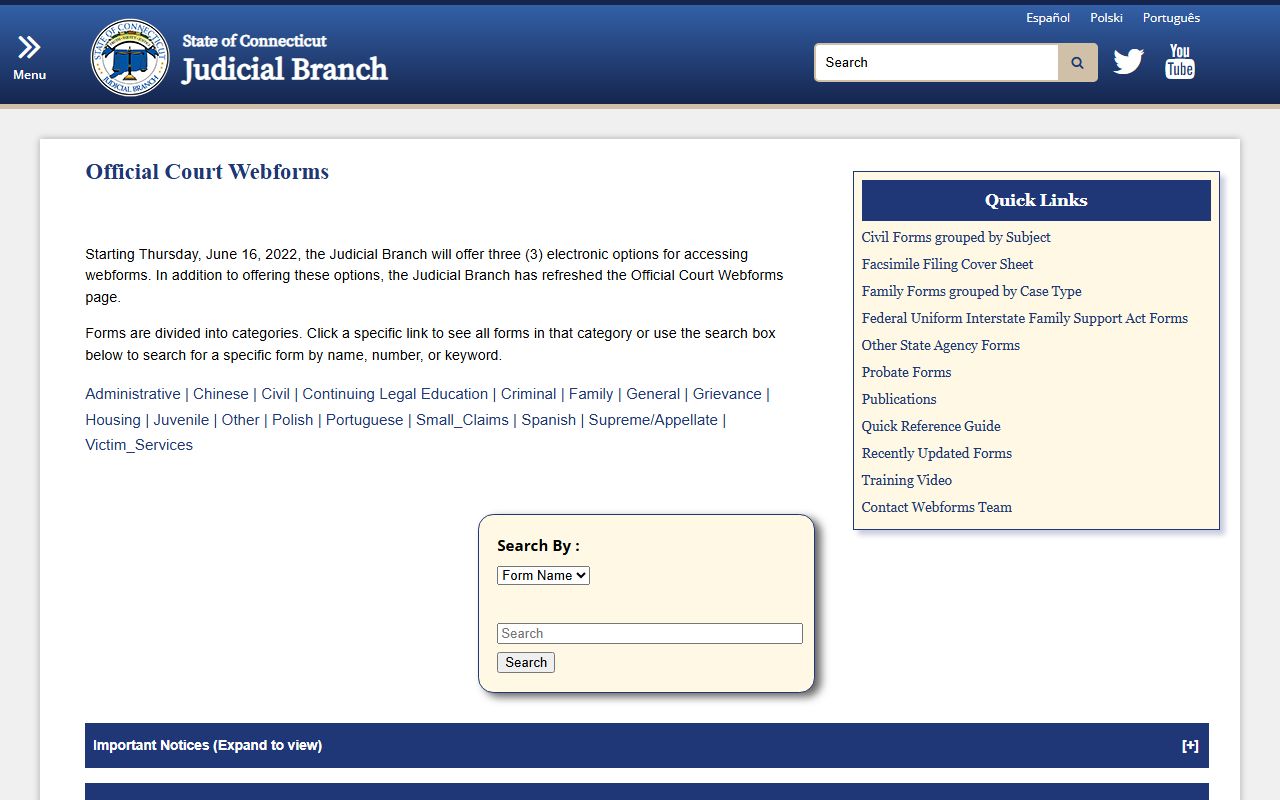
Connecticut court forms are available for free download through the Judicial Branch web forms page.
How to Get Copies of Court Docket Records
You have several ways to get copies of court docket records in Connecticut. The fastest is to visit the courthouse where the case was heard. Go to the Clerk's Office during business hours, which are Monday through Friday from 9:00 a.m. to 5:00 p.m. at most locations. Ask the staff for the file by case name or docket number. They will pull it and make copies for $1.00 per page. Certified copies cost $2.00 per document plus the page fee. Bring a valid photo ID when you go.
You can also request court docket records by email. Send your request to SuperiorCourtRecordsCenter@jud.ct.gov. Include the case name and docket number. The Centralized Services Unit processes these requests in 1 to 2 business days. By phone, call (860) 263-2750 and give the staff the case details. They can tell you what is in the file and how to get copies. For disposed cases that have been moved to storage, all requests go through the Superior Court Records Center in Enfield.
Browse Connecticut Court Docket Records by County
Connecticut has 8 counties. The state court system is unified, so cases are organized by Judicial District rather than county. Still, each county has courthouses that serve its residents. Pick a county below to find local court docket resources.
Court Docket Records in Major Connecticut Cities
Residents of Connecticut cities file court cases at the Superior Court or GA court that serves their area. Pick a city below to find court docket information for that location.